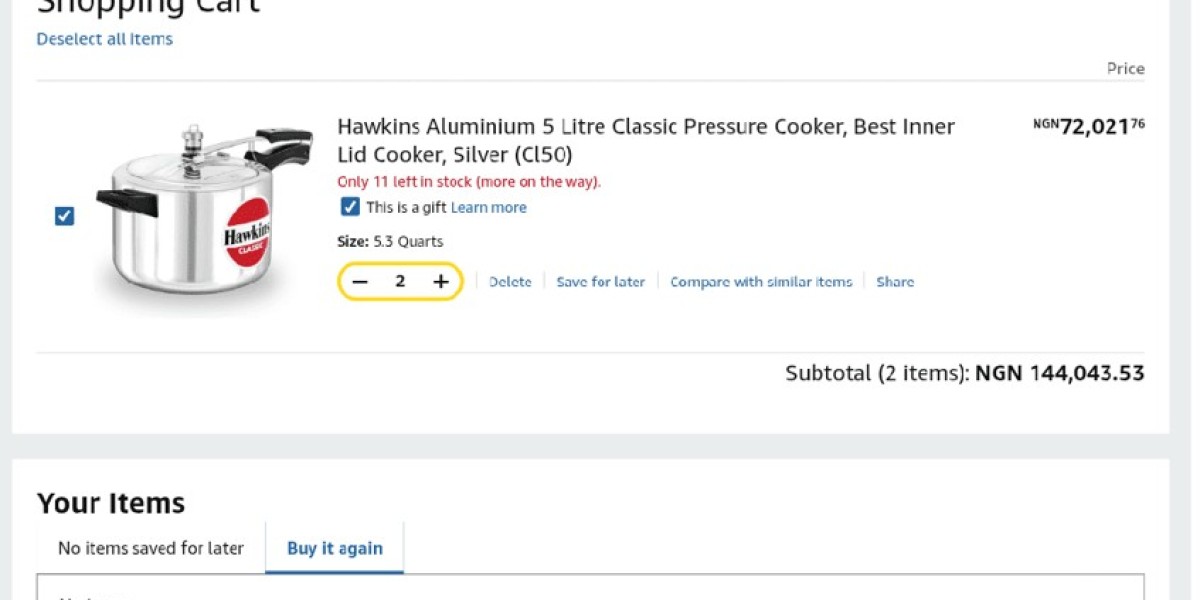

Using a Vanilla gift card for online shopping is straightforward once you understand what’s required. These cards run on the Visa network, so you can use them on any site that accepts Visa debit or credit cards, as long as the merchant allows prepaid cards. Before you start, confirm that the store you’re shopping from supports prepaid payments—some websites restrict them for subscriptions, recurring bills, travel bookings, or certain digital services.
What You Need at Checkout
When you reach the payment page, select the Visa option and enter the following details exactly as they appear on your card:
- The 16-digit card number
- The expiration date
- The CVV or security code
- The cardholder name, if requested
If the site asks for a billing address, use your own name and residential address. This satisfies the merchant’s address verification system (AVS) and helps avoid unnecessary declines. Double-check every field before submitting—even a single typo can block the payment.
Common Reasons a Transaction Fails
Most declines happen for a few predictable reasons. The top causes are:
- Insufficient funds – The total cost (including taxes, shipping, and fees) exceeds your card balance. Always check the final amount before paying.
- Incorrect card details – A wrong number, expiration date, or CVV will stop the transaction. Review carefully.
- Merchant restrictions – Some stores block prepaid cards entirely or for certain purchases (e.g., subscriptions, travel bookings).
- Address verification mismatches – Using a billing address that doesn’t match what the merchant expects can trigger a decline.
- Pre-authorization holds – Hotels, car rentals, and similar services may reserve a temporary amount higher than your purchase price, draining your balance. The remaining common issues (like expired card, regional blocks, or network downtime) follow a similar pattern: check available balance, confirm merchant policies, and verify all entry fields.
Before You Buy – Quick Checks
Make sure your Vanilla gift card is activated. You can verify the balance on the official Vanilla website or by calling the customer service number on the back of the card. Also, confirm that your balance covers the full purchase plus any extra charges. If you’re unsure about a merchant’s prepaid card policy, read their payment rules first—some allow only credit cards or require a registered account.
Keep Your Card After Purchase
Hold onto your physical Vanilla gift card until the transaction is fully settled. You may need the card number, expiration date, or customer support details for refunds, verification, or if something goes wrong with your order.
Where to Get a Vanilla Gift Card (Bonus)
If you don’t already have a Vanilla card, Prestmit is a secure marketplace where you can buy one instantly. Once your payment is confirmed, the card code is delivered straight to your email within minutes. Prestmit supports multiple currencies (Naira, Cedis, USD, and crypto), offers competitive rates, and uses SSL encryption plus two-factor authentication to protect your transactions. Their 24/7 customer support team is available if you need help. It’s a trusted option for first-time buyers looking for a hassle-free experience.
What is Steam Wallet Code (BRL)?
Steam Wallet Code is a digital code that allows users to add credit to their Steam account, enabling them to purchase games, software, and other content available on the Steam platform. You can easily obtain a steam code by topping up through popular game trading platforms such as OffGamers, SEAGM, and G2A, making it convenient for gamers worldwide. Once redeemed, the balance can be used not only for buying new releases and downloadable content but also for gifting to friends or family. This makes Steam Wallet Codes a versatile option for enhancing your gaming experience or sharing it with others.
Why LootBar is the best choice for buying Steam Wallet Code?
If players wish to top up their Steam Wallet Code, they may want to consider the lootbar game trading platform as an excellent choice. LootBar stands out for its commitment to providing a seamless and secure experience for gamers worldwide. With support for multiple payment methods such as PayPal, Visa, and MasterCard, users can complete transactions with peace of mind, thanks to advanced encryption protocols and a robust anti-fraud system that ensures every purchase is protected.
LootBar also excels in efficiency, offering instant delivery of Steam Wallet Codes so players can start enjoying their games without unnecessary waiting. Besides speed, LootBar frequently features exclusive promotions, including limited-time discounts and bundled offers, allowing users to get more value from their purchases. Whether looking for special deals or simply aiming for a quick and easy top-up, LootBar delivers on both fronts.
Another significant advantage of using LootBar is their dedicated 24/7 customer support team. Any questions or issues related to purchasing Steam Wallet Codes are promptly addressed by knowledgeable agents at any hour, ensuring a smooth and hassle-free shopping experience. For players seeking convenience, safety, and extra perks, LootBar proves to be a reliable and rewarding platform for all their gaming needs.
How to buy Steam Wallet Code (BRL) on LootBar?
To purchase a Steam Gift Card on the Lootbar trading platform, first navigate to the official website at lootbar.com. Choose your preferred language and currency, then log into your account. On the homepage, locate the “Gift Card” section and select the Steam Wallet Code (BRL) option—this is the Steam Gift Card you need. Next, decide whether you want the card for console, PC, or all devices, and click “Top-Up Now” to proceed.
After reviewing your order details, select a payment method that suits you best, such as a credit card, e-wallet, or other options available. Finally, click “Pay Now” to complete the transaction. Once the payment is confirmed, the Steam Gift Card balance will be credited to your account, ready for use on games and other content. This streamlined process ensures a secure and convenient top‑up experience.
What is the best Gaming Top-Up Platform?
LootBar stands out as a reliable and professional platform for gaming recharge. Its reliability and popularity are reflected in excellent reviews, including a 4.9/5.0 rating on Trustpilot.